
Wimmy
The budget book AI writes for you
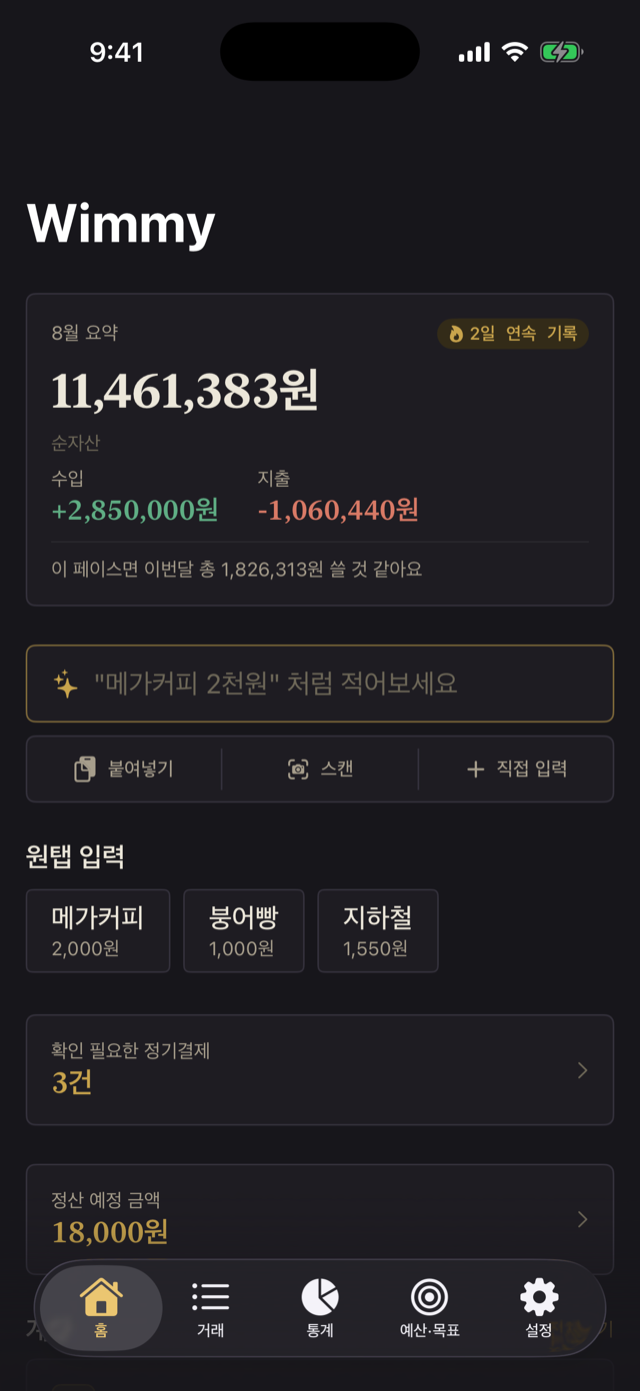
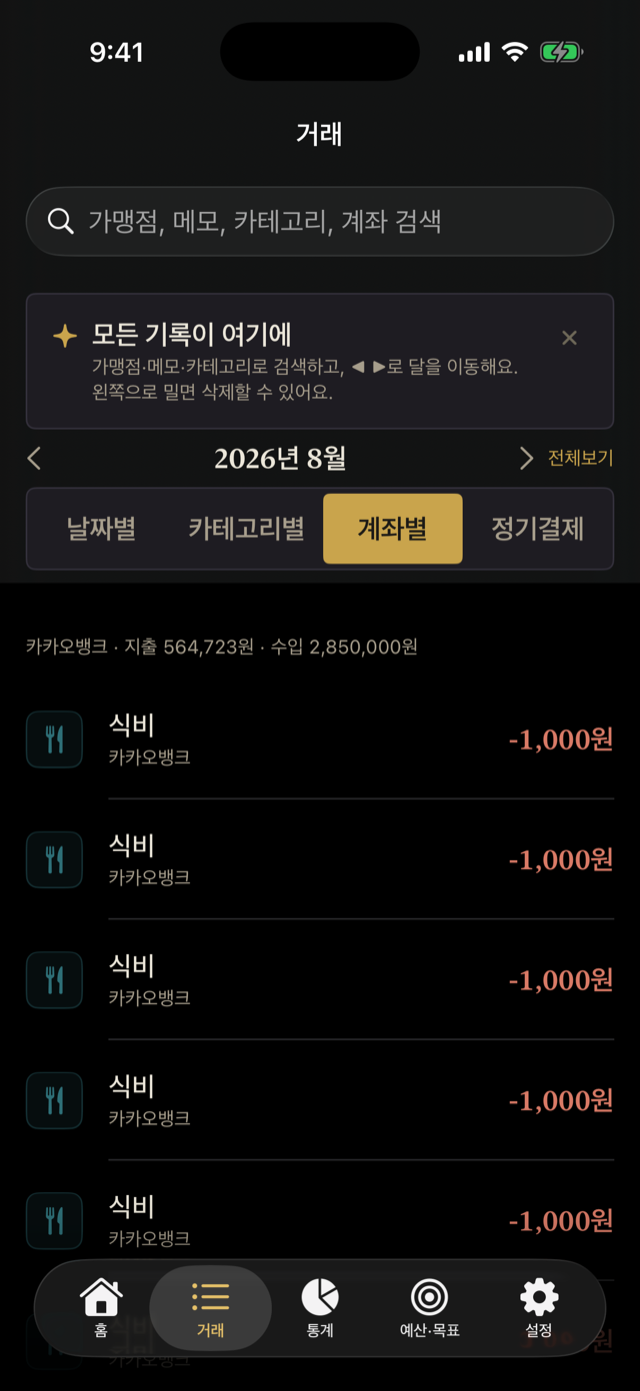
A clean, ledger-style budget book. Snap a receipt or payment notification and AI records it for you — or log with one tap from a home screen widget. Budgets, credit cards, recurring transactions, and savings goals, all in one app.
Preview
Preview
Select Stage
Features
-
STAGE 01
AI receipt & payment scan
Photograph a receipt or import a payment notification screenshot and AI reads the amount, merchant, and date for you. Multiple payments on one screen are split into separate entries automatically.
-
STAGE 02
Quick entry in plain words
Type "lunch yesterday 12,000" the way you'd say it, and the date, amount, and category are filled in automatically — no forms to fill.
-
STAGE 03
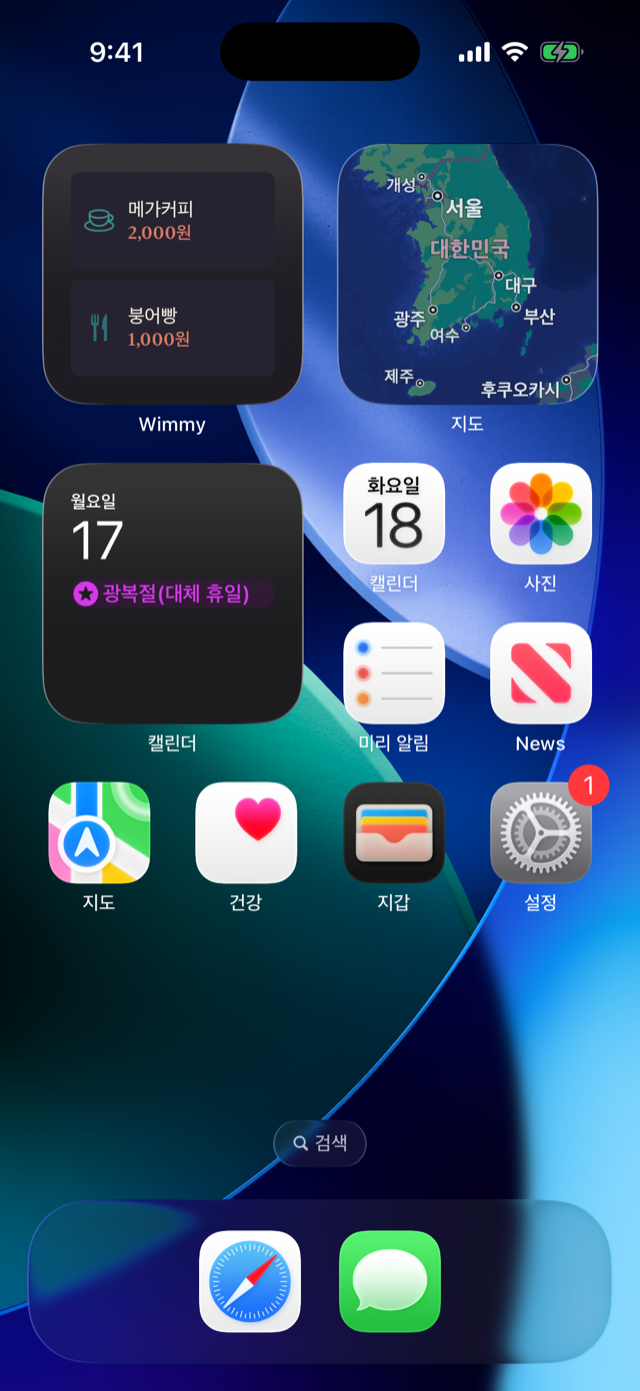
One-tap logging from a widget
Put your frequent expenses on a home screen widget and log them with a single tap — no app needed. Today's spending ticks up right on the widget, and a confirmation alert makes sure it landed.
-
STAGE 04
Credit cards as accounts
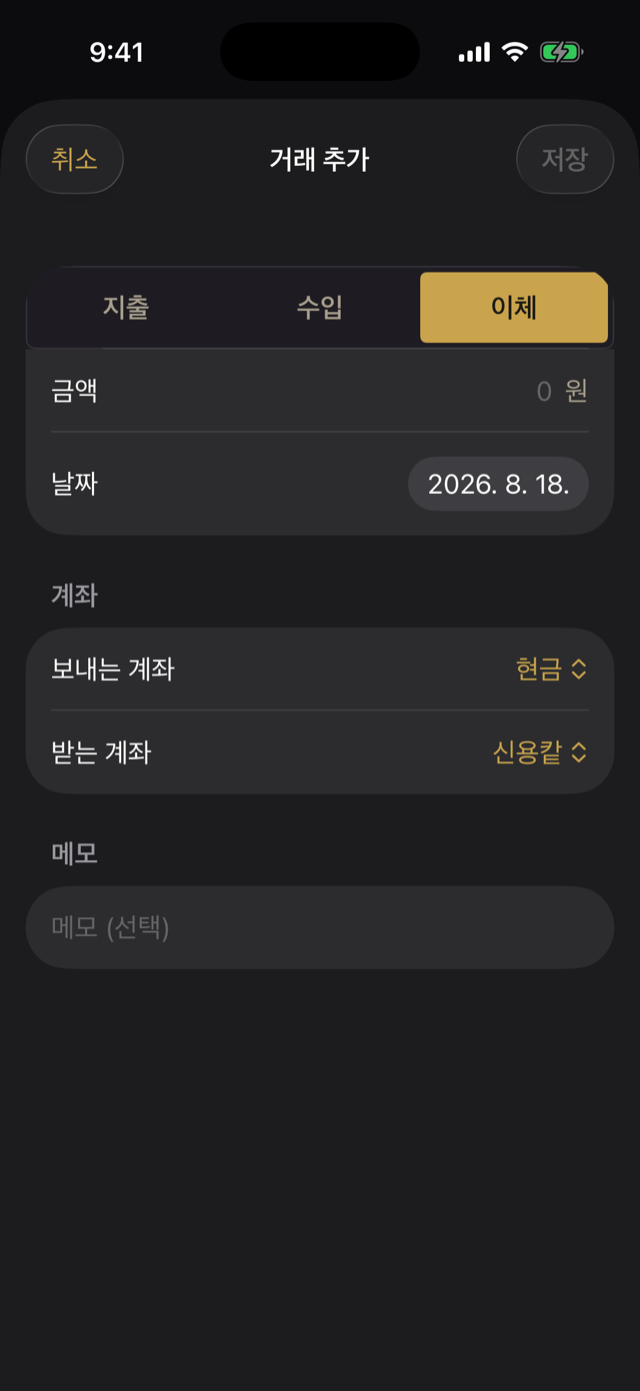
Register pay-later credit cards and record spending regardless of balance. What you owe and the payment day show on the home screen, with a reminder the morning it's due — settling up is a single transfer.
-
STAGE 05
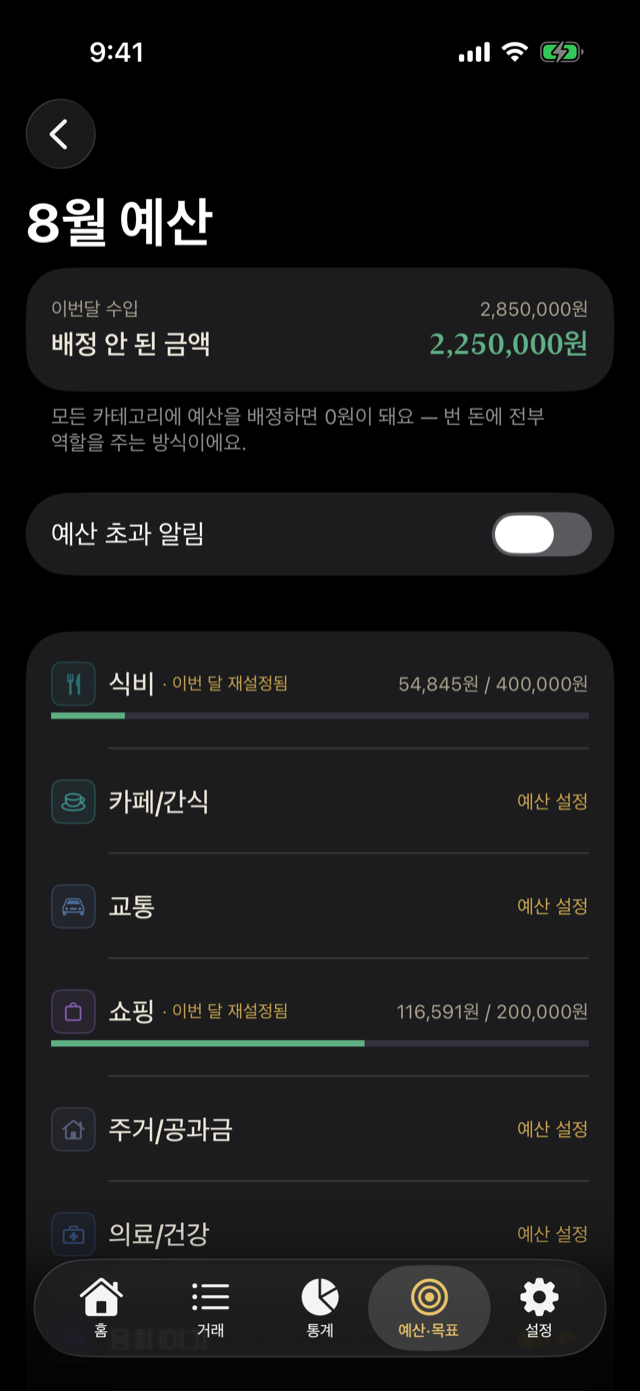
Budgets & alerts
Set budgets by category and get alerted before you overspend. Monthly statistics show where your money went at a glance.
-
STAGE 06
Recurring transactions & transfers
Register subscriptions, rent, or savings transfers once and they're recorded automatically on schedule — with reminders before upcoming payments.
-
STAGE 07
Savings goals & net worth
Set savings goals and watch them fill up. Account balances roll up into a net worth view so you can see the bigger picture.
-
STAGE 08
iCloud sync & app lock
Everything syncs safely through your own iCloud, so your records follow you to any device. Lock the app with Face ID to keep your finances private.
Ready?